
Badge manual: earn progress and build your showcase
Understand learning XP, tiered achievements, platform activity badges, verified roles, and the profile Badge bank.
2 min read
All roles · Updated Oct 18, 2026
Before you start
- A signed-in account for the protected achievements and profile showcase screens.
- Completed eligible activities or platform actions for badges that require them.
What you will be able to do
- Separate learning achievements from verified roles.
- Inspect badge targets and current progress.
- Choose earned badges for your public showcase.
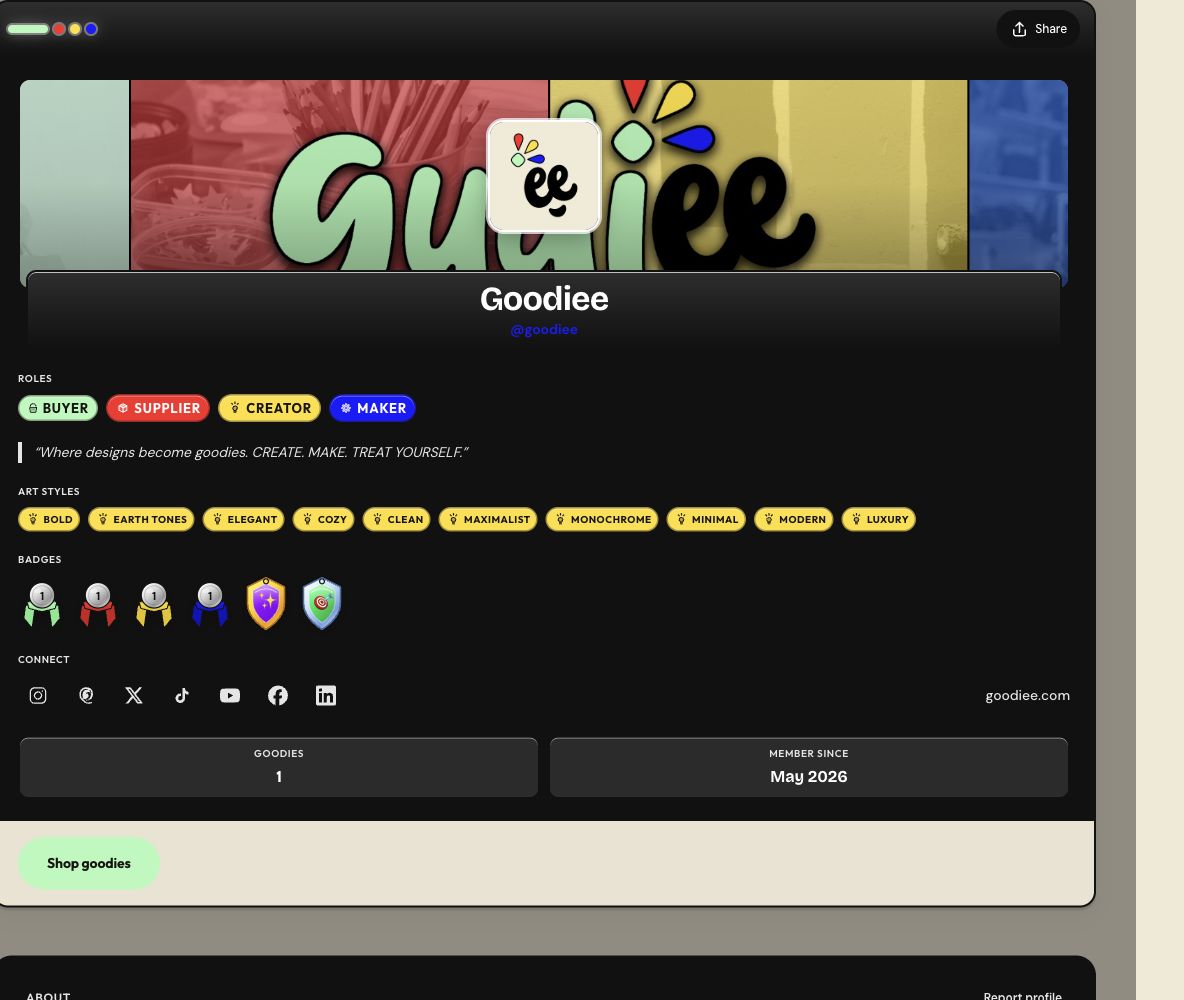
Goodiee has learning achievements and platform activity badges. Verified Maker and Verified Supplier access comes from applications and staff decisions, not from a learning XP total.
Step by step
Step 1: Open Achievements or your profile Badge bank
Sign in, then open Settings → Profile → Badge bank. The Learn achievements URL redirects to this same profile section. Inspect the badge details and progress rather than treating every visible badge as already earned.
Open this screen →Check: You can distinguish earned badges from goals and locked tiers.
Step 2: Complete eligible learning activities
Use the released lessons, quizzes, challenges, and projects in Learn. The current base awards are 10 XP for a lesson, 10 for a quiz, 25 for a challenge, 100 for a project, and 500 for a completed path. Other bonuses have their own eligibility rules.
Open this screen →Check: The activity completion and resulting XP are recorded; simply reading an article or calculator has 0 base XP.
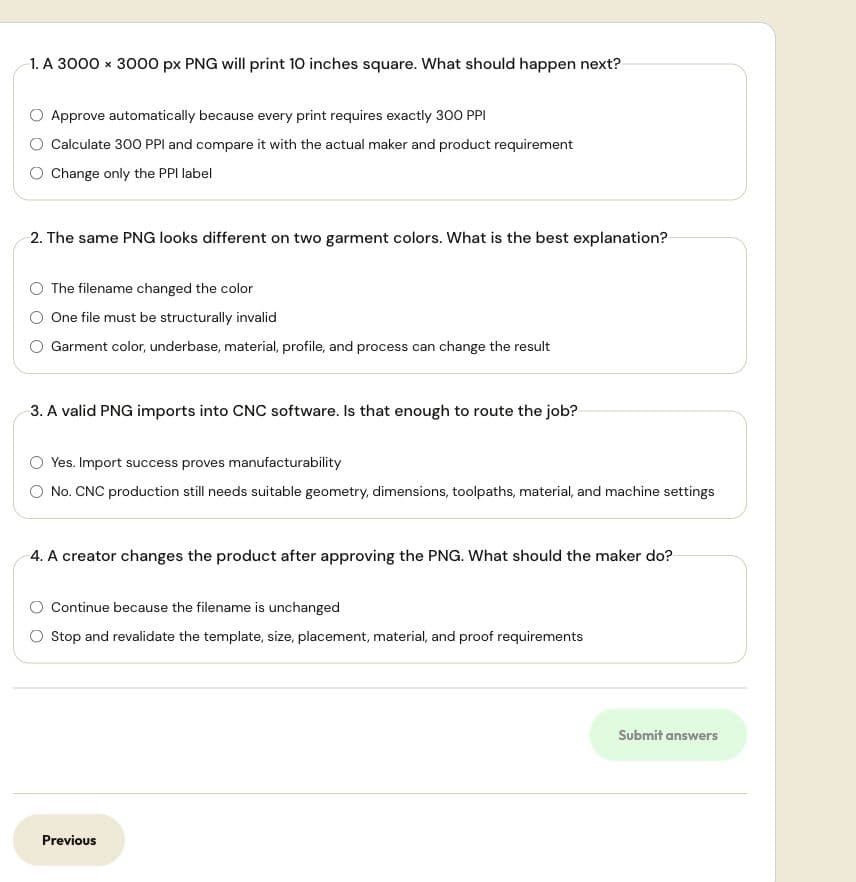
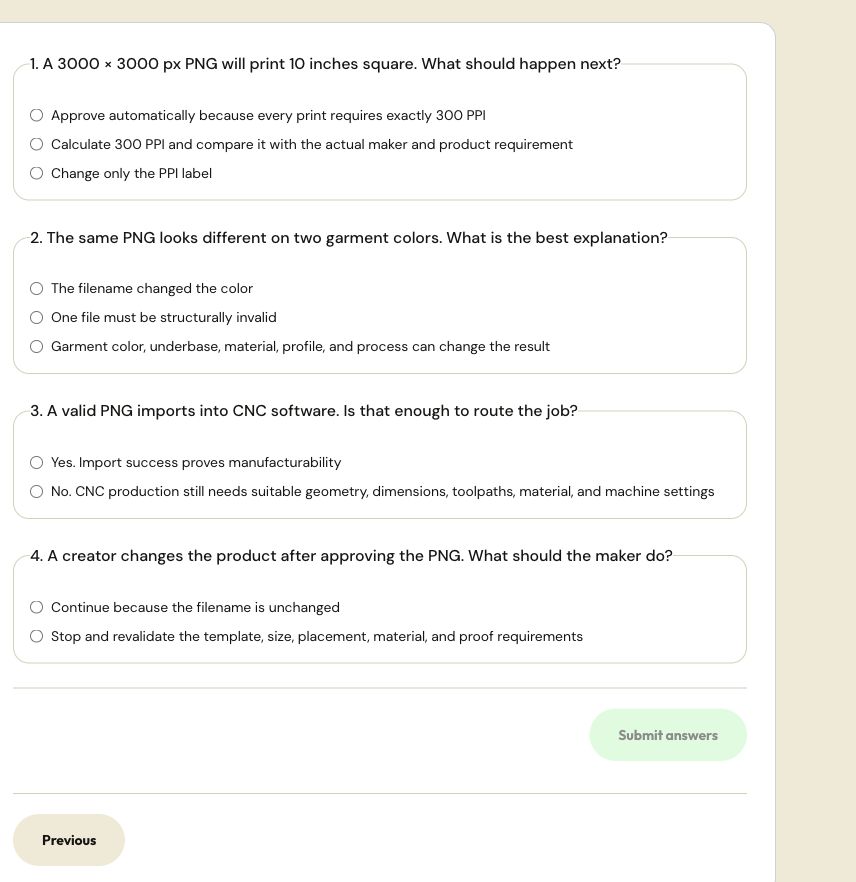
A released quiz uses explicit answers and submission. This capture contains no submitted answers or claimed completion. Actual site capture · 2026-10-18 · Source screen · Select image to enlarge Step 3: Inspect the next tier
Families include Learning Streak, XP Collector, Course Completer, Knowledge Explorer, Tool User, Perfect Score, Maker Specialist, File Specialist, Lesson Learner, Challenge Solver, and Project Builder. Open a badge to read its actual target; different families use different thresholds and metrics.
Check: You know the next eligible action and its target, rather than guessing from the badge color.
Step 4: Understand platform activity badges
Badges such as Goodie Buyer, Goodie Publisher, Creator Seller, Gig Maker, Supply Publisher, Helpful Contributor, Reviewer, and Production Verified use recorded platform actions. A draft, cancelled order, or unverified machine is not automatically a completed qualifying action.
Check: The badge's progress comes from the activity named in its description.
Step 5: Choose a public showcase
In the profile Badge bank, use the available showcase controls to select your earned badges and save the selection when the interface offers Save. Return to your public profile to inspect their placement.
Open this screen →Check: The public profile shows the badges you intended to display.
Step 6: Investigate missing progress
Confirm you used the same account, finished the actual activity, and received a completion or save result. Refresh the achievements view after synchronization. If the record still looks wrong, contact support with the activity title and what the page showed; do not include a password or private verification document.
Open this screen →Check: You can identify the activity and expected progress without exposing account credentials.
What a badge does and does not mean
- An achievement records the site's activity criteria; it is not an accredited qualification or an independent guarantee of manufacturing skill.
- A learning level title is different from the approved Creator, Maker, Supplier, or Buyer roles on your account.
- Application verification, individual production-method verification, listing review, and public profile showcase are separate workflows.
Reference this resource
Cite this guide
Use the reference below, or import a file into your reference manager to apply your required citation style.
Goodiee. (October 18, 2026). Badge manual: earn progress and build your showcase. https://goodiee.com/learn/earn-and-display-goodiee-badges
Article URL: https://goodiee.com/learn/earn-and-display-goodiee-badges